12<Route path="/login" element={<LoginPage />} />
<Route path="/signup" element={<SignupPage />} />
Explore the project resources and live demonstrations.
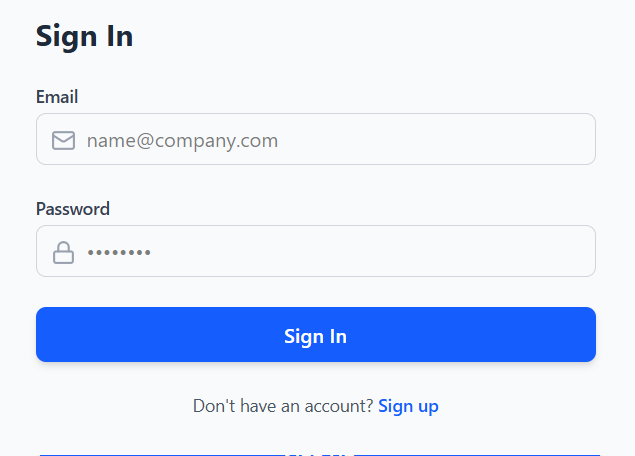
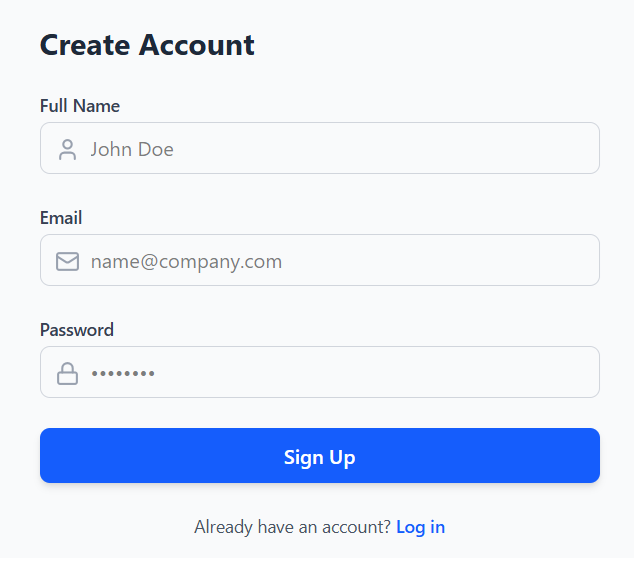
Auth Starter Kit
A starter kit implementing secure email/password login, registration, token refresh, and logout.
Want to Upgrade?Get Google, GitHub, & Magic Link sign-in ready for production.
Request AccessGet Started
Follow these instructions to integrate the Authentication Module into your workspace.
This is a full-stack application; ensure both backend and frontend services are active in separate terminal windows to begin.
1
Environment Setup
Ensure Node.js (v18+), Java (JDK 17+), and MySQL are installed. Verify your local installation:
Terminal
node -v
java -version
# Ensure MySQL server is active
2
Configure Credentials
Navigate to 'backend/src/main/resources/application.properties'. Ensure the profile is set to 'local' and fill in your database and security credentials.
Terminal
# Set active profile for manual setup
spring.profiles.active=local

# DATABASE
spring.datasource.url=jdbc:mysql://localhost:3306/your_db_name
spring.datasource.username=your_username
spring.datasource.password=your_password

# JWT
jwt.secret=your_super_secret_random_string
jwt.expiration=86400000
3
Backend Launch
Launch the Spring Boot backend service.
Terminal
cd backend
./mvnw spring-boot:run
4
Frontend & Finalize
Open a new terminal, navigate to the frontend folder, and launch the dev server.
Terminal
cd frontend
npm install
npm run dev